Demu·Hub
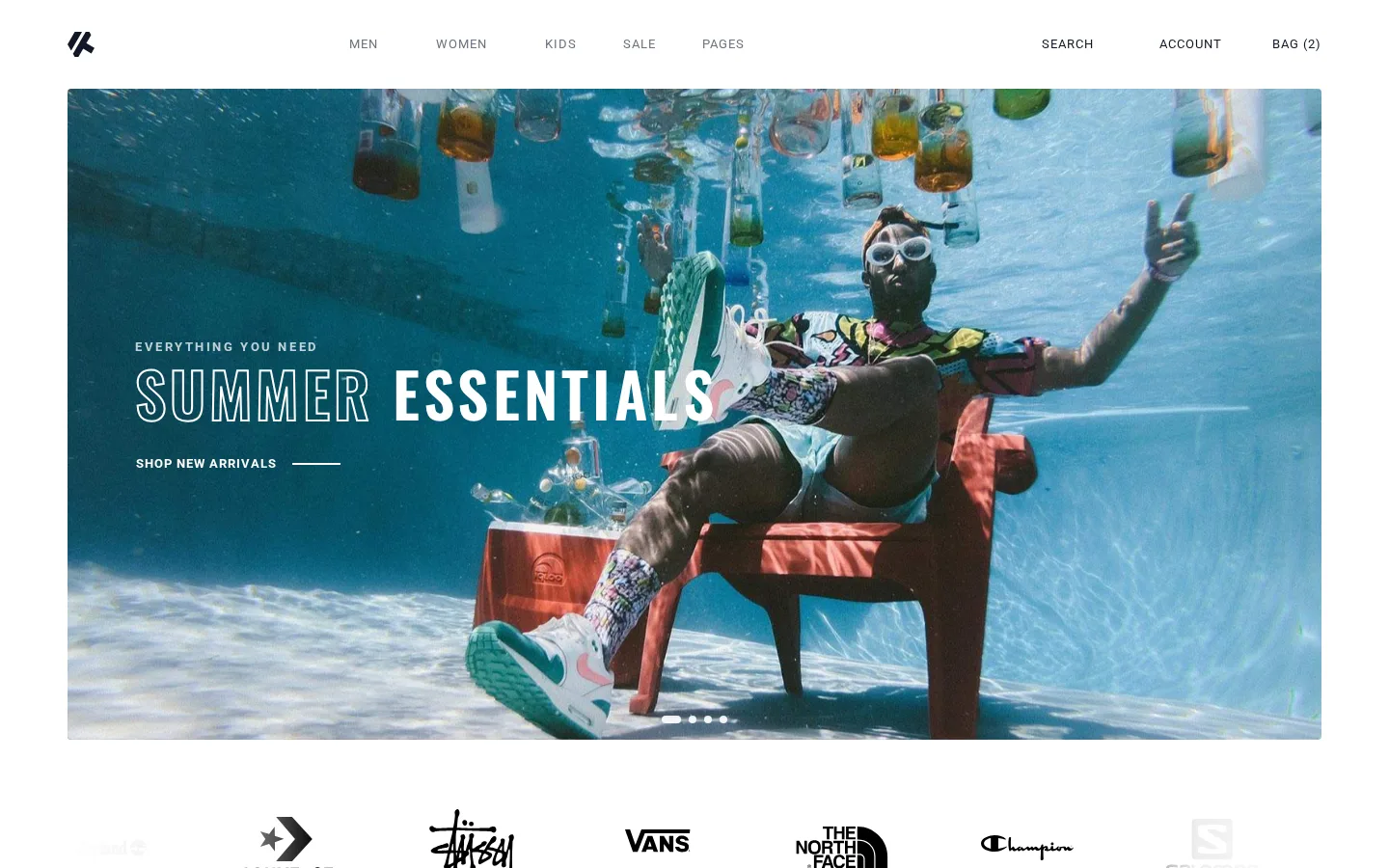
Bootstrap Fashion Screenshot of the Bootstrap Fashion demo
LiveE-commerce

Bootstrap Fashion

A Bootstrap 5 storefront with the admin behind it

From $100 setup included · your branding, products and copy

A complete fashion retail front end: homepage, category listing with live filters and a price slider, product page with gallery and reviews, cart, and a three-step checkout with shipping and payment. Built on Bootstrap 5, so your colours, type and logo go in without rewriting anything. Front end only — it drops onto whatever commerce backend you already use, or we wire one up.

  • Four admin screens: dashboard, products, orders and customers
  • Admin opens with no password — nothing sits behind it to protect
  • The product table is the shop’s own catalogue, so the two can never disagree
  • Category listings with working filters, product pages, cart and a three-step checkout
  • Every required field marked, 197 countries at checkout, alt text on every product image
  • Plain HTML, CSS and JavaScript — no framework to learn or licence to renew
StorefrontAdmin dashboardBootstrap 5ResponsiveCheckout flowFrom $100
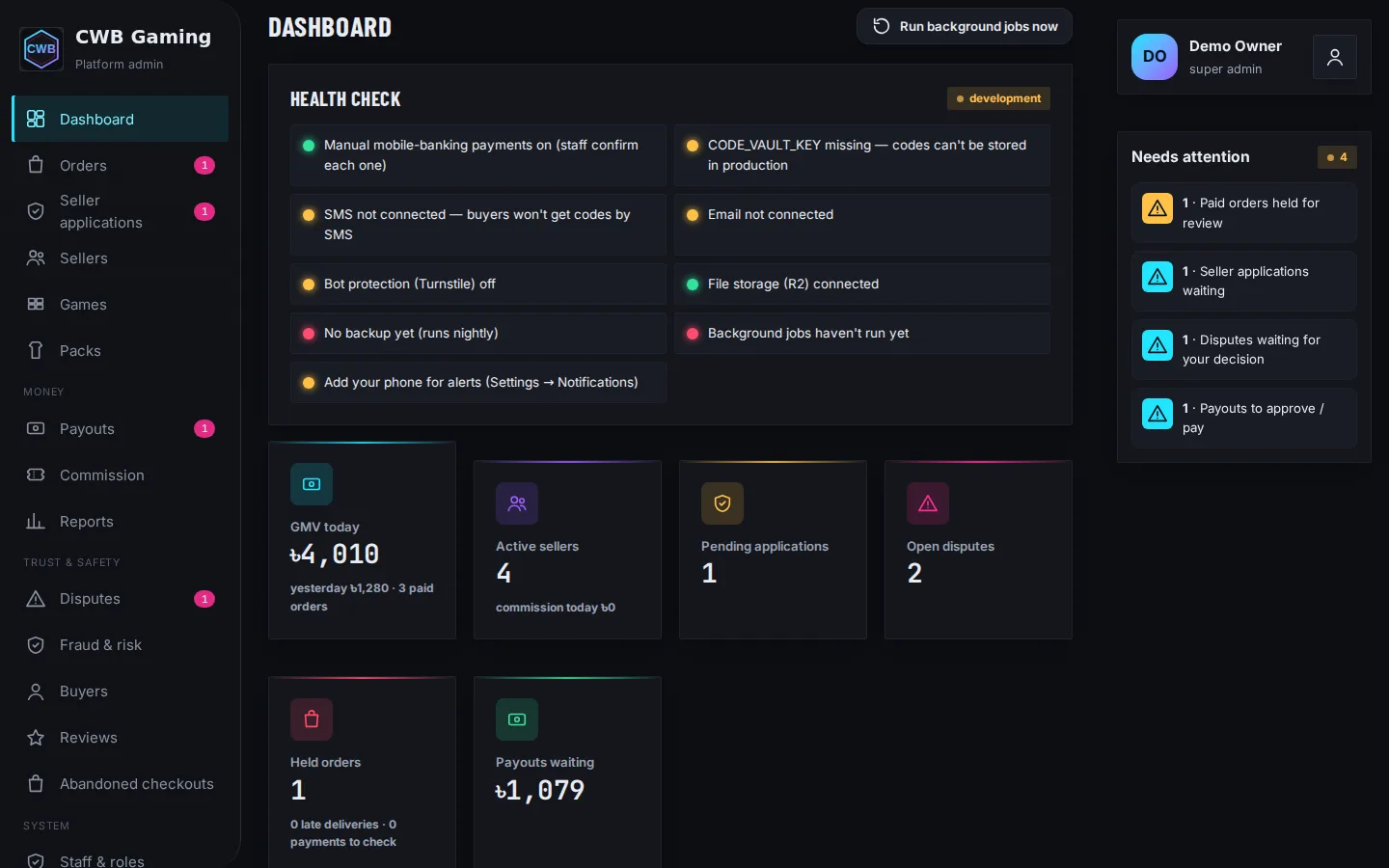
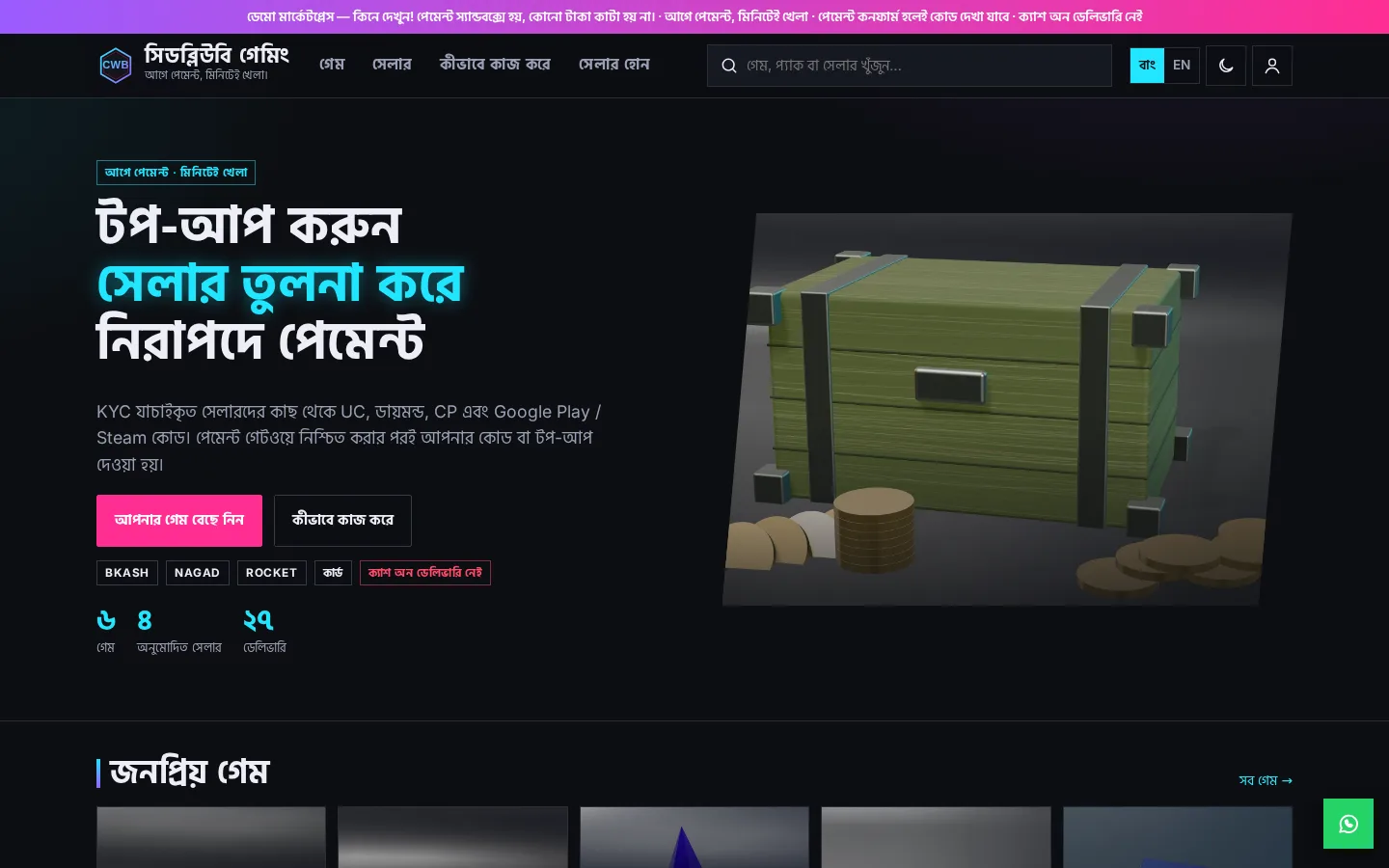
CWB Gaming — Platform Admin Screenshot of the CWB Gaming — Platform Admin demo
LiveAdmin dashboard

CWB Gaming — Platform Admin

The control room of a game top-up marketplace

The platform admin behind the CWB Gaming demo: "Needs your attention today" (seller applications, orders held for a safety check, disputes, payout requests), seller KYC review with approve / reject / request info, orders across every seller with confirm-payment, release, refund and reassign, disputes with side-by-side evidence and refund / pay seller / split, commission rules and payouts, fraud & risk with 🟢 Trusted / 🟡 New / 🔴 Verify buyers and seller standing, reviews, reports, staff roles and the activity log — in Bangla and English. It is the marketplace's real admin code running in the browser, sharing its data with the marketplace and seller demos.

  • Opens straight into the dashboard — two-step sign-in is on, the demo accepts code 123456
  • A pending seller application (NightOwl Codes) to approve or reject in one tap
  • A first big order held after payment — release it and the code is delivered
  • A dispute waiting for a decision, with the buyer's and the seller's side
  • Payout requests to approve and mark paid; CSV export on every list
  • SKUs GAME-PUBG-660UC-S014 and invoices INV-CWB-YYYYMMDD-#### generated by the system
Seller KYC reviewHeld ordersDisputesCommission & payoutsFraud & riskReports
Platform admin sign-in demo / demo12345 Opens already signed in. After Sign out, sign back in with these and authenticator code 123456 (the demo accepts it; the live site needs a real authenticator app). Everything is fictional demo data kept in your browser; add ?demo-reset to the address to start fresh.
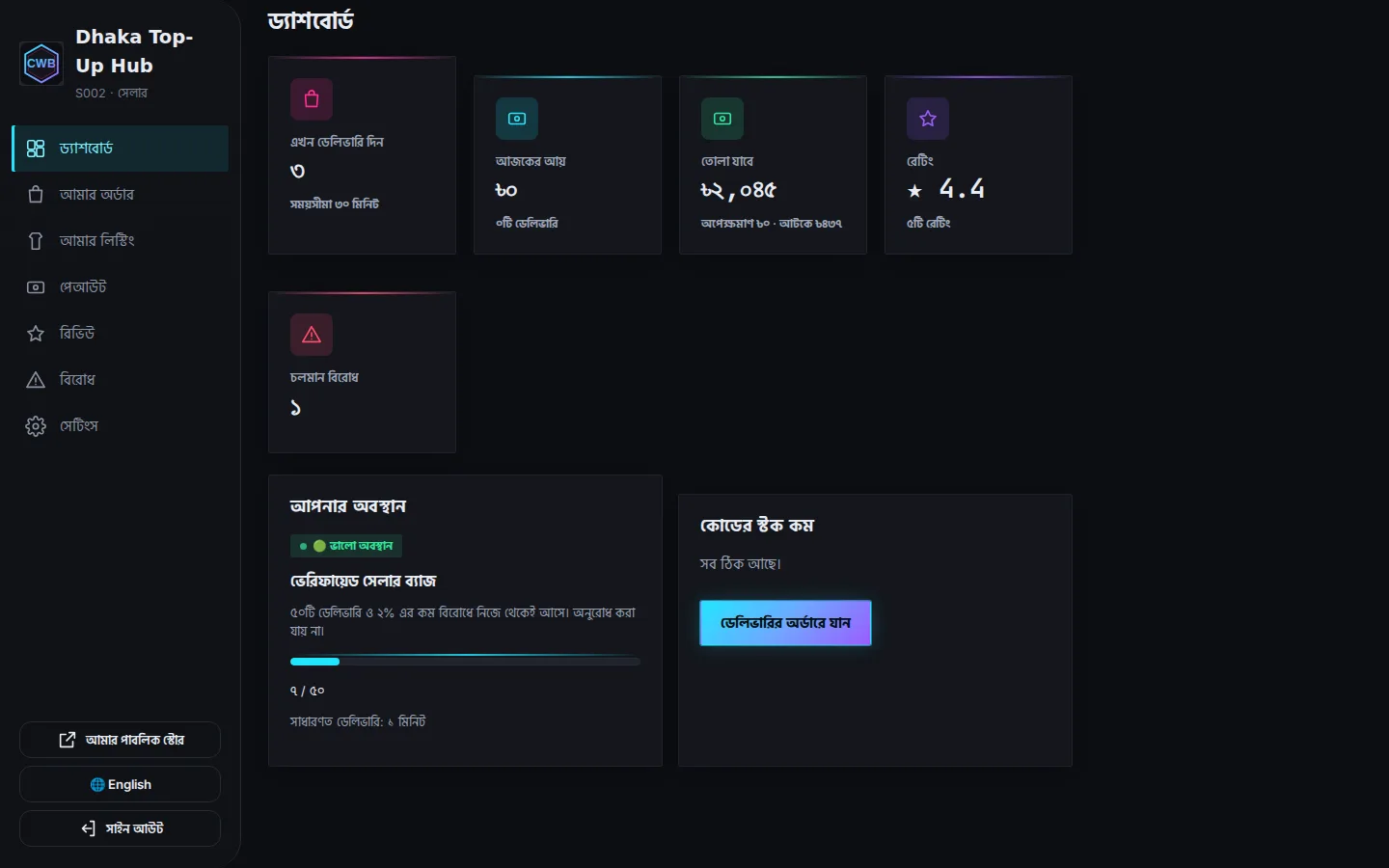
CWB Gaming — Seller Dashboard Screenshot of the CWB Gaming — Seller Dashboard demo
LiveAdmin dashboard

CWB Gaming — Seller Dashboard

Where approved sellers list packs, stock codes and deliver top-ups

The seller side of the CWB Gaming demo, signed in as Dhaka Top-Up Hub: today's deliveries and earnings, standing and Verified-badge progress, top-ups waiting with a live 30-minute timer (player ID, pack and quantity only — never the buyer's contact or payment details), listings with automatic SKUs, encrypted code stock with duplicate detection, payouts after the hold window, reviews and disputes to answer. "Apply to sell" shows the KYC gate: a new seller stays on "Application pending" until the platform approves them. It is the real seller dashboard running in the browser, sharing its data with the marketplace and admin demos.

  • Opens signed in as a demo seller (two-step sign-in on; the demo accepts code 123456)
  • Mark a queued top-up delivered and the buyer's order page updates
  • Paste codes into a listing: they're encrypted and duplicates are skipped
  • A dispute waiting for the seller's answer
  • Request a payout of the available balance with authenticator code 123456
  • Apply to sell as a new seller and see the KYC checklist and the pending screen
Seller dashboardKYC-gatedDelivery queue & SLACode stockPayoutsBangla / English
Seller sign-in hub@demo.cwbgaming.local / demo12345 Opens already signed in. Authenticator code: 123456 (demo only). Other demo sellers: point@demo.cwbgaming.local, rapid@demo.cwbgaming.local, same password. ?demo-reset starts fresh.
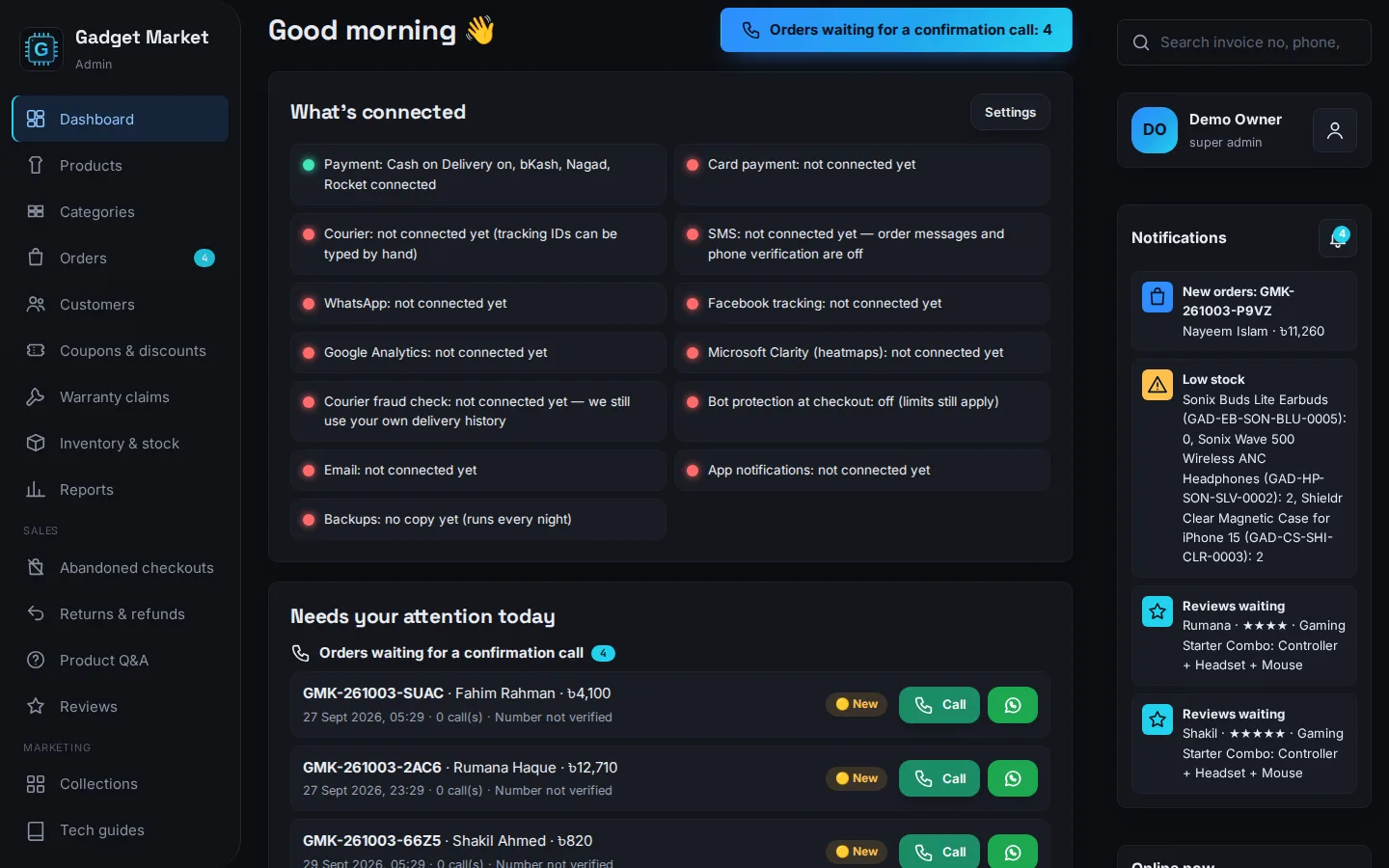
Gadget Market — Admin Dashboard Screenshot of the Gadget Market — Admin Dashboard demo
LiveAdmin dashboard

Gadget Market — Admin Dashboard

The back office that runs the gadget shop

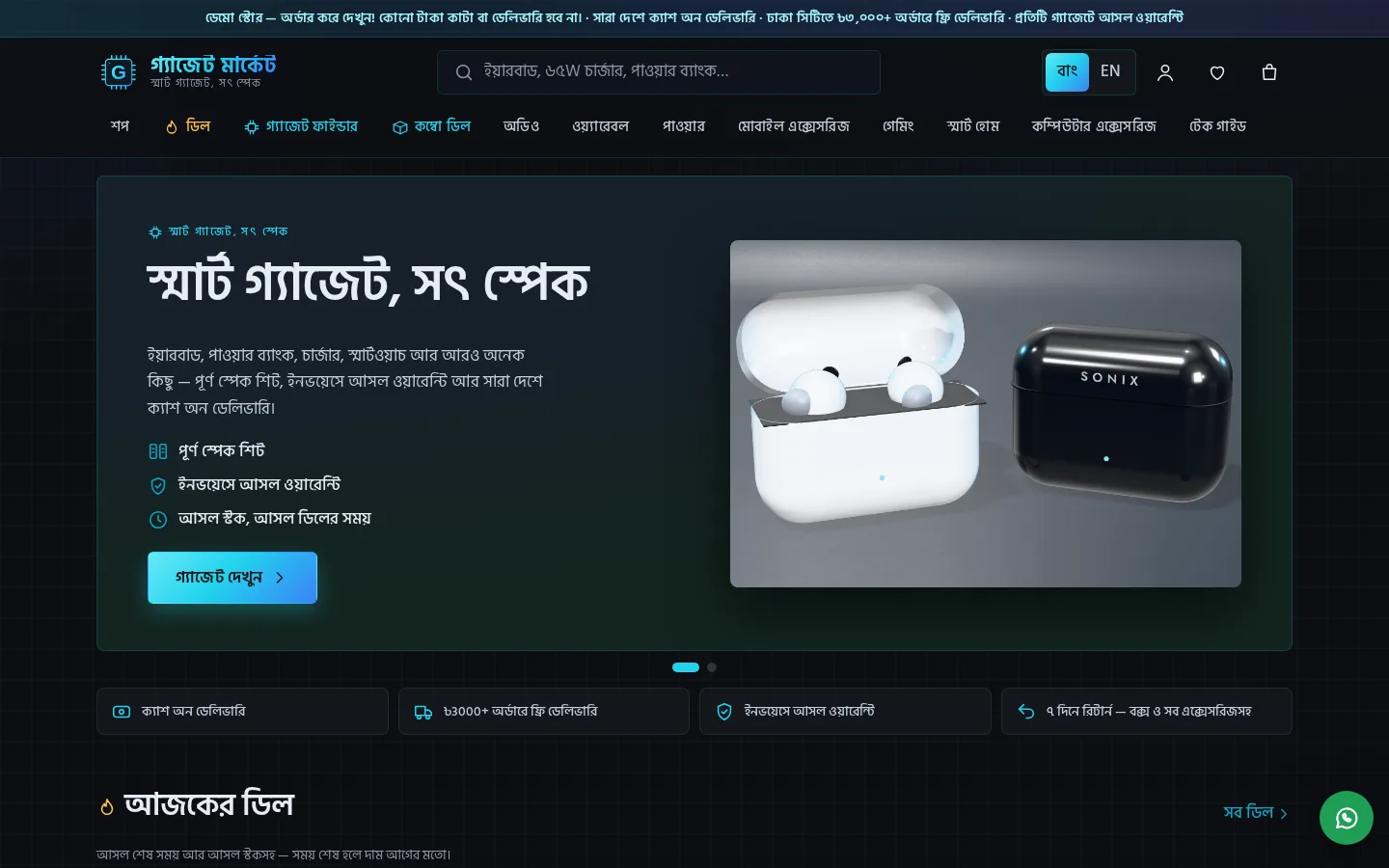
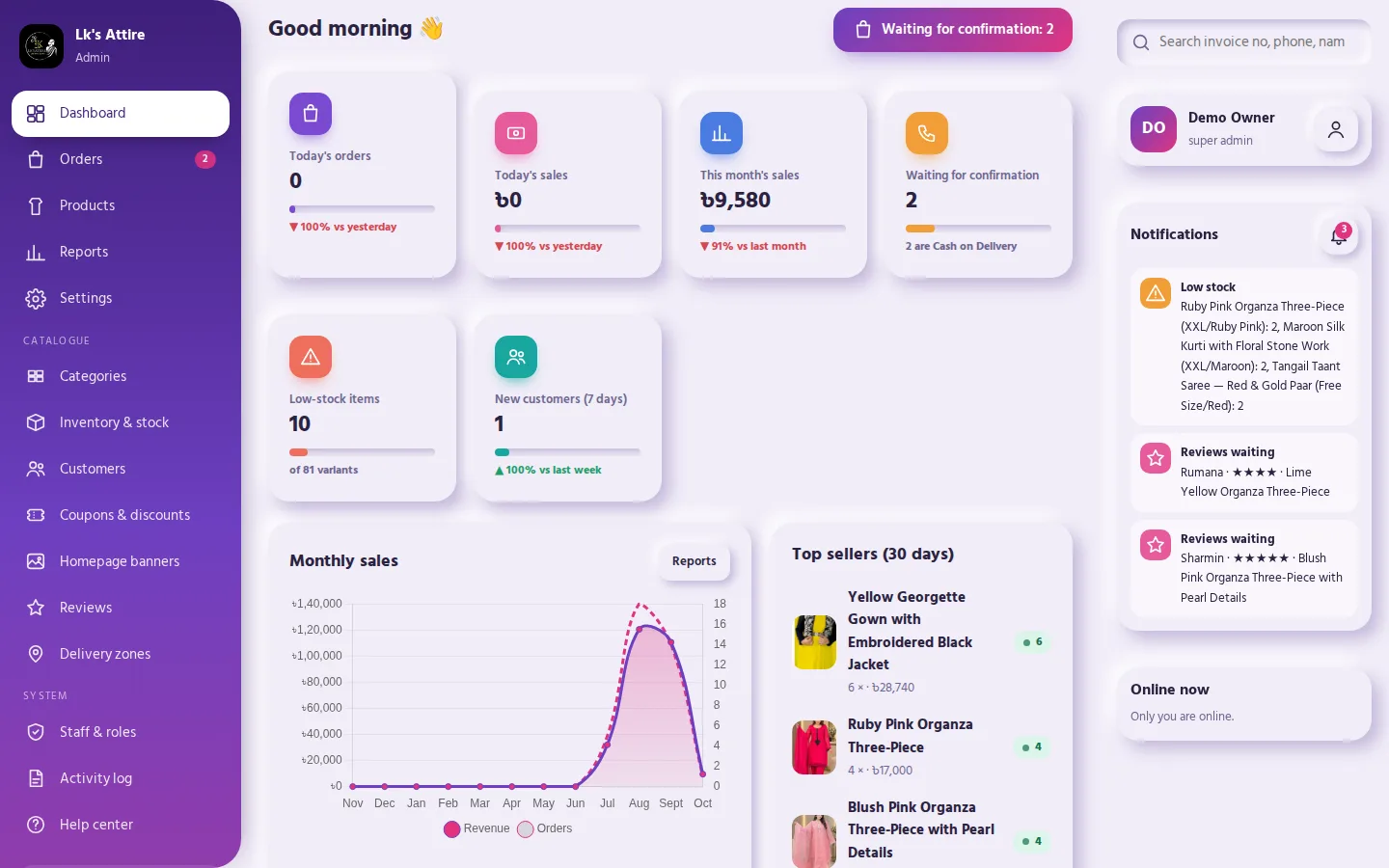
The admin dashboard behind the Gadget Market demo: "Needs your attention today", the order pipeline from pending to delivered with invoice PDFs, fake-order protection (🟢 Trusted / 🟡 New / 🔴 Verify), products with auto SKUs (GAD-EB-SON-BLK-0007) and a spec-sheet editor, combo bundles, stock lots by supplier invoice and a serial-number log printed on invoices, warranty claims from submitted to resolved, coupons, banners, reviews and Q&A, delivery zones, staff roles, reports and the activity log — in Bangla and English. It is the real admin code running in the browser, sharing its data with the shop demo.

  • Opens straight into the dashboard — no sign-in needed
  • COD orders can't be confirmed until the customer's call is logged — try it on a pending order
  • Serial numbers are picked per order line when packing and printed on the invoice
  • Invoice PDF, call and WhatsApp buttons on every order
  • Search by order no, invoice no, phone or SKU; CSV export on every list
  • 42 fictional orders over nine weeks, so the charts and reports have something to show
Orders & invoicesProducts, specs & SKUs (GAD-…)Serial numbersWarranty claimsBundlesReports
Admin dashboard sign-in demo / demo12345 Opens already signed in. After Sign out, sign back in with these (they are filled in for you). Staff can also sign in by phone: 01899999999 — the SMS code shows on screen. Everything is fictional demo data kept in your browser; add ?demo-reset to the address to start fresh.
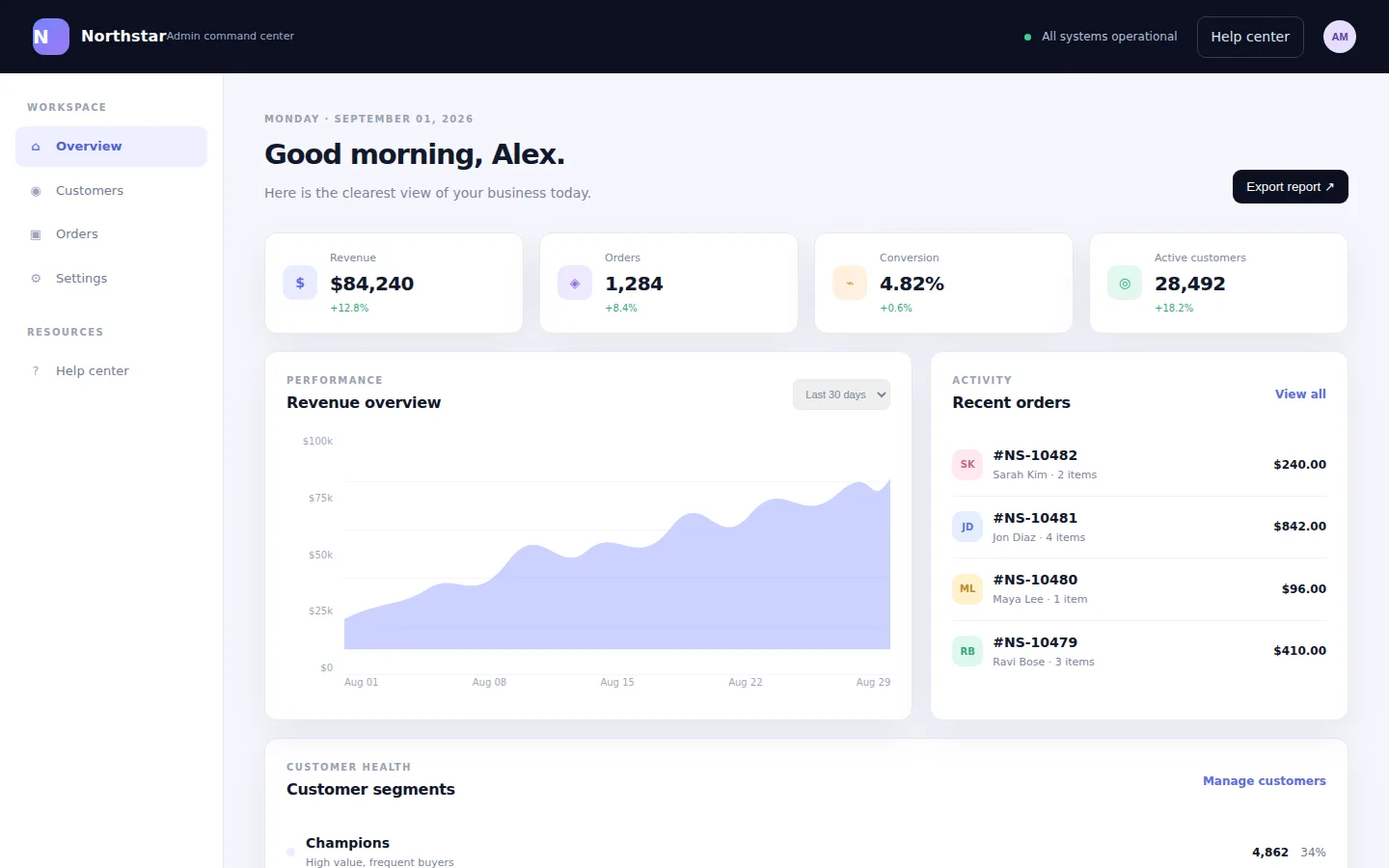
Northstar Admin Screenshot of the Northstar Admin demo
LiveAdmin dashboard

Northstar Admin

A command centre for an operations team

An admin console built around the screens a working team opens every day — orders, users, settings and help — with the density and keyboard-first layout of software people use for hours, not a dashboard that only looks good in a screenshot.

  • Order queue with filtering and bulk actions
  • User management and role settings
  • In-product help and documentation surface
OperationsData tablesSettingsDark UI
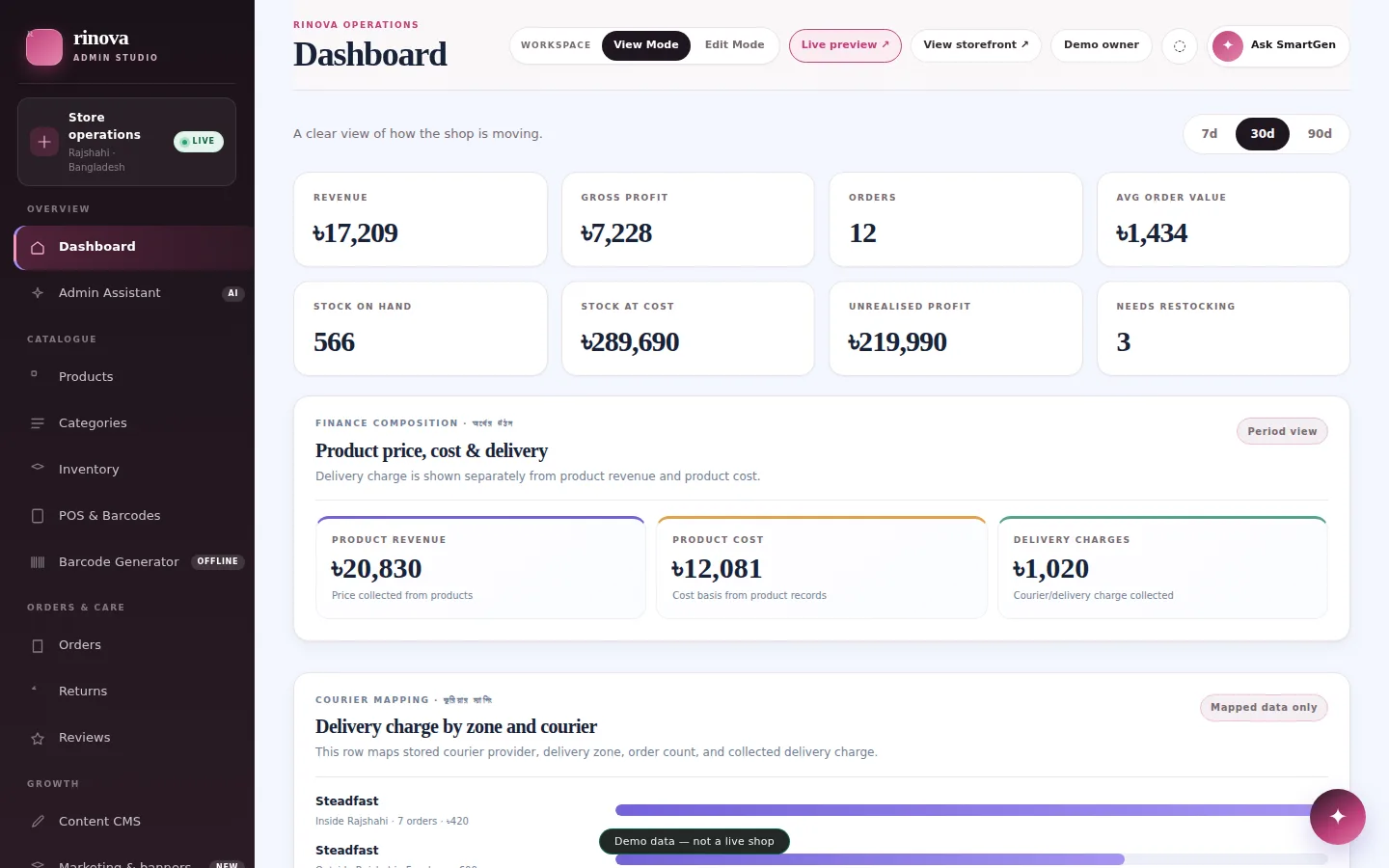
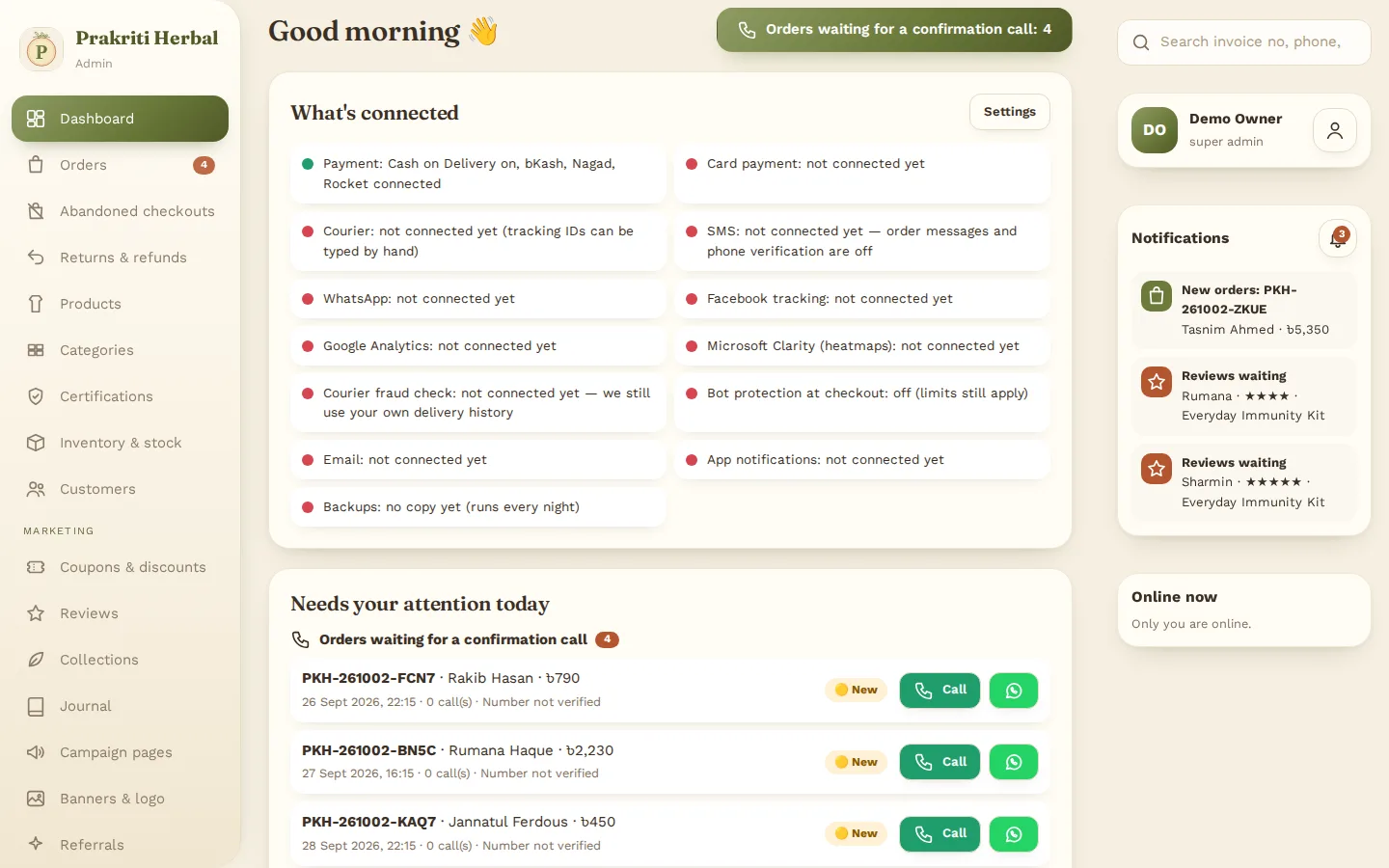
Prakriti Herbal — Admin Dashboard Screenshot of the Prakriti Herbal — Admin Dashboard demo
LiveAdmin dashboard

Prakriti Herbal — Admin Dashboard

The back office that runs the herbal shop

The admin dashboard behind the Prakriti Herbal demo: "Needs your attention today" with orders waiting for a confirmation call, the order pipeline from pending to delivered with invoice PDFs, fake-order protection (🟢 Trusted / 🟡 New / 🔴 Verify), abandoned checkouts, products and wellness kits with SKUs, batches with expiry dates packed first-expiry-first-out, certifications, the wellness journal, and a product-copy check that refuses medical claims, coupons, banners, reviews, delivery zones, staff roles, reports and the activity log — in Bangla and English. It is the real admin code running in the browser, sharing its data with the shop demo.

  • Opens straight into the dashboard — no sign-in needed
  • COD orders can't be confirmed until the customer's call is logged — try it on a pending order
  • Invoice PDF, call and WhatsApp buttons on every order
  • Search by order no, invoice no, phone or SKU; CSV export on every list
  • 42 fictional orders over nine weeks, so the charts and reports have something to show
Orders & invoicesProducts, kits & SKUs (HRB-…)Batches & expiryCertificationsJournalReports
Admin dashboard sign-in demo / demo12345 Opens already signed in. After Sign out, sign back in with these (they are filled in for you). Staff can also sign in by phone: 01899999999 — the SMS code shows on screen. Everything is fictional demo data kept in your browser; add ?demo-reset to the address to start fresh.
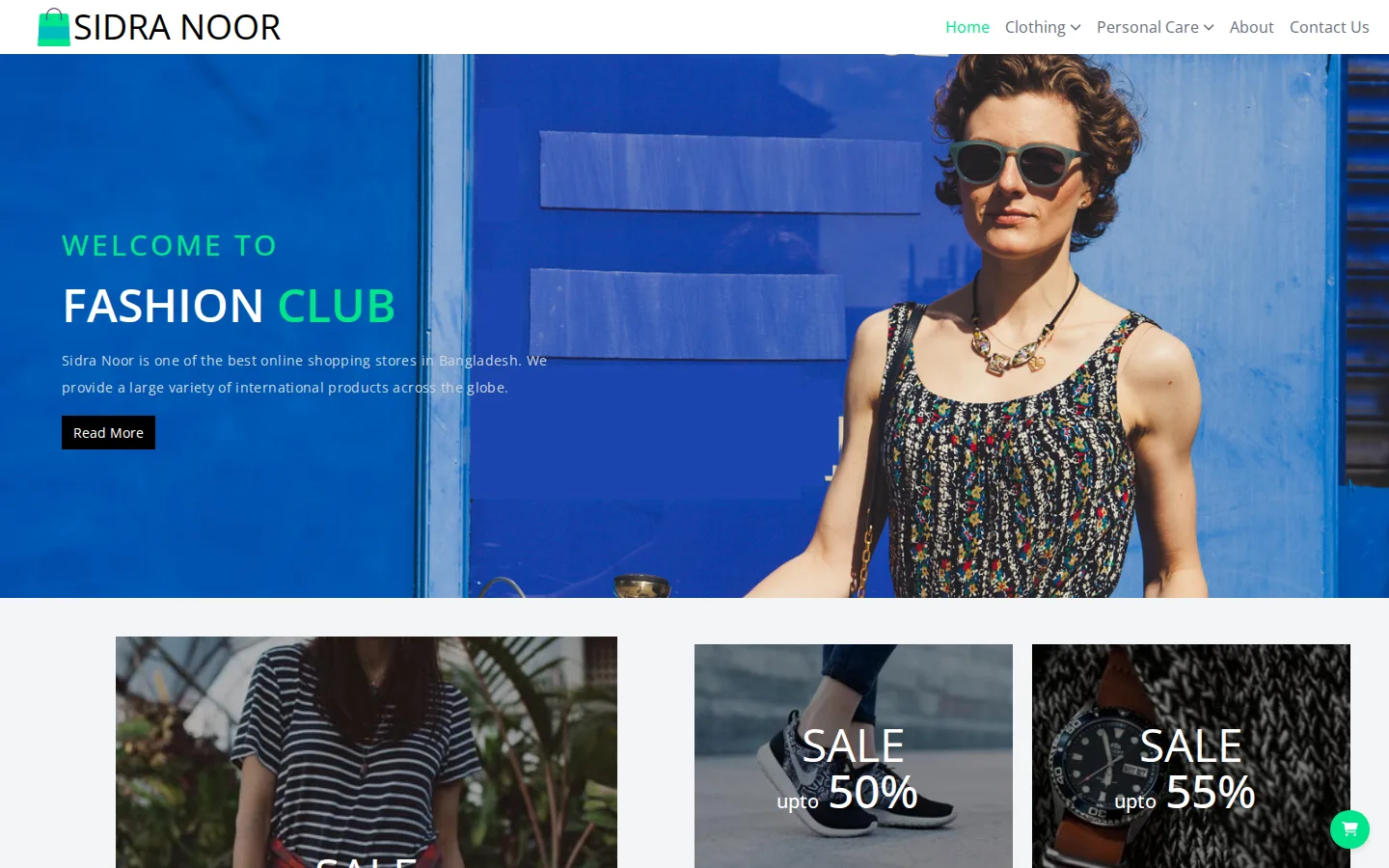
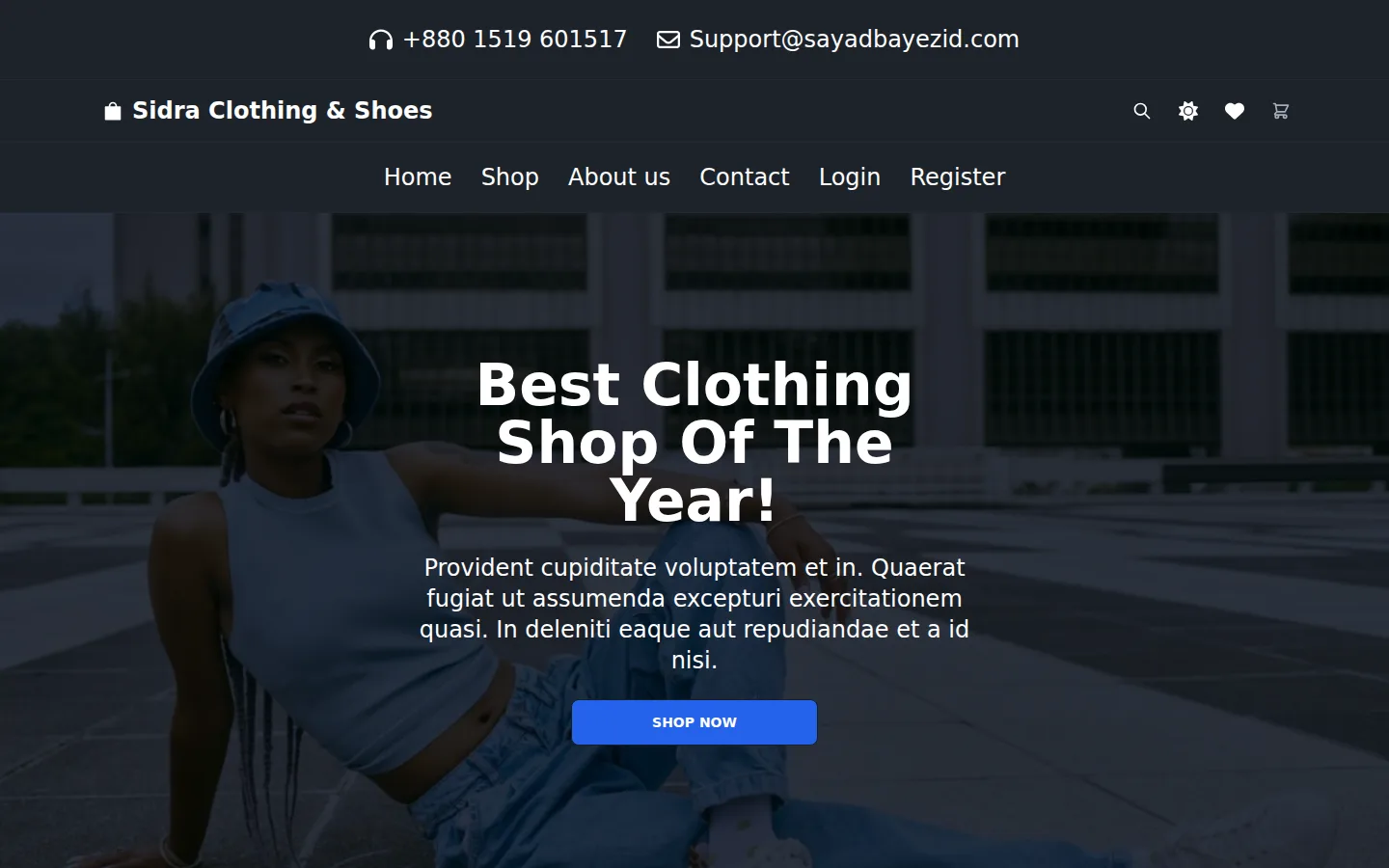
Sidra Clothing & Shoes Screenshot of the Sidra Clothing & Shoes demo
LiveE-commerce

Sidra Clothing & Shoes

A React storefront with the admin behind it

From $100 setup included · your branding, products and copy

A working fashion storefront built in React: a catalogue of 132 products with brand, category, gender and price filters, sorting, search with pagination, product pages with size picker and customer reviews, wishlist, cart, checkout and order history. Accounts work too — register, sign in, and your wishlist and orders follow you.

  • Four admin screens: dashboard, products, orders and customers
  • Admin opens with no password — nothing sits behind it to protect
  • Its totals are computed from the same catalogue the shop serves, so the two cannot disagree
  • 132 products, filterable by brand, category, gender and price, with search and sorting
  • Wishlist, cart, checkout and order history that persist while you browse
  • Runs with no server at all: the whole API answers inside the page
StorefrontAdmin dashboardReactReduxTailwindFrom $100
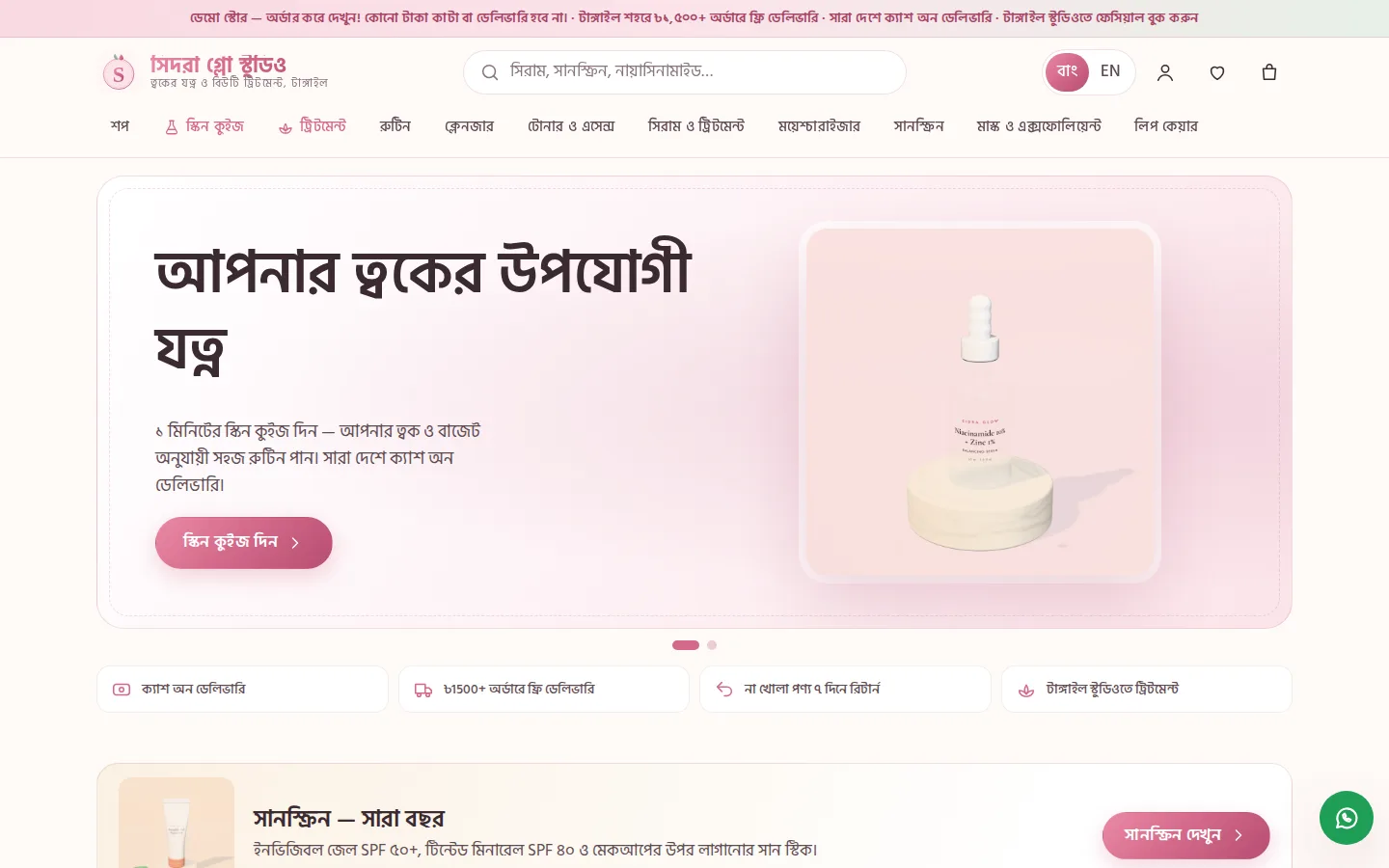
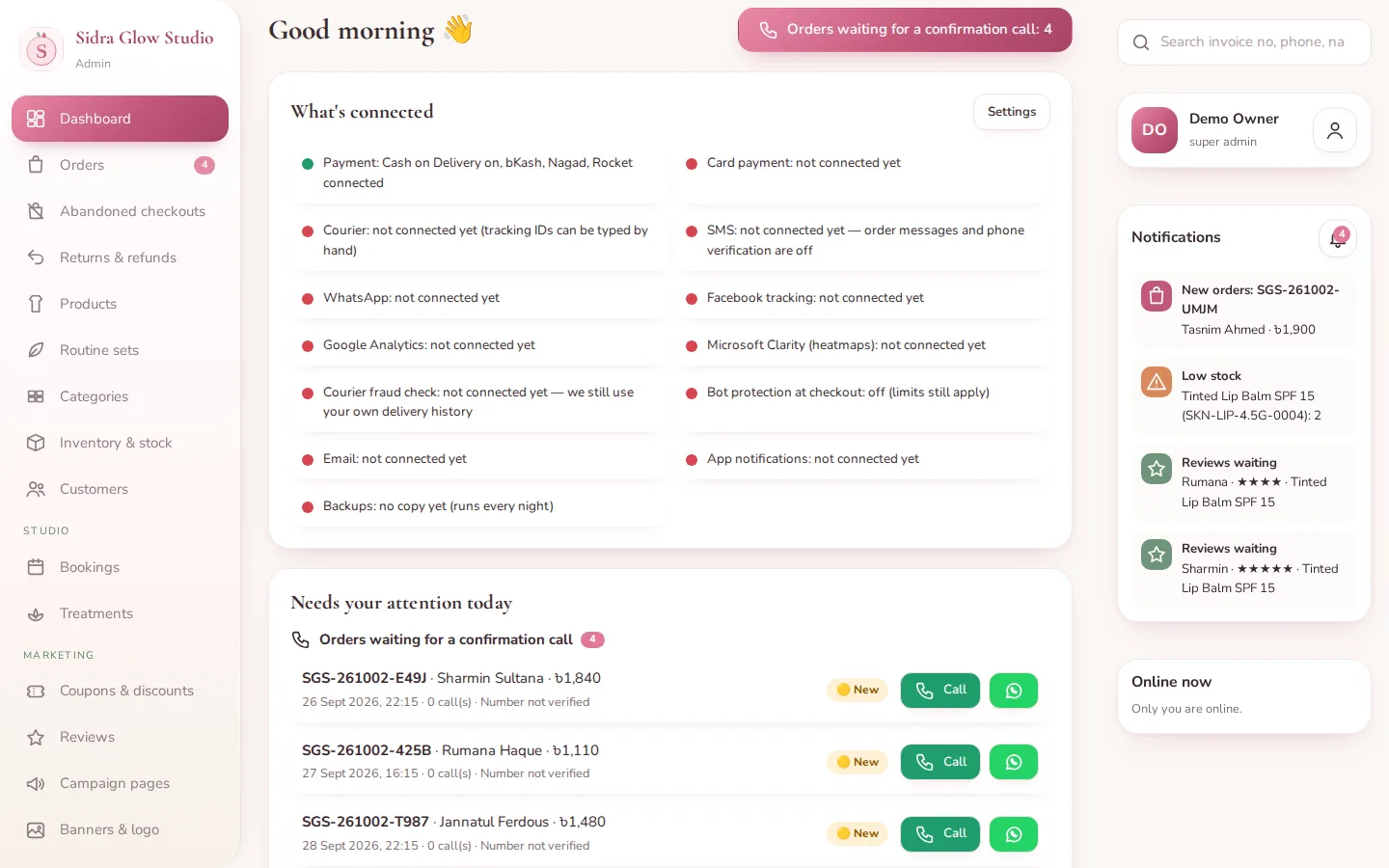
Sidra Glow Studio — Admin Dashboard Screenshot of the Sidra Glow Studio — Admin Dashboard demo
LiveAdmin dashboard

Sidra Glow Studio — Admin Dashboard

The back office that runs the skincare shop and studio

The admin dashboard behind the Sidra Glow Studio demo: "Needs your attention today" with orders waiting for a confirmation call, the order pipeline from pending to delivered with invoice PDFs, fake-order protection (🟢 Trusted / 🟡 New / 🔴 Verify), abandoned checkouts, the studio bookings diary (confirm, move, done, no-show), treatments, products with ingredient lists, batches with expiry dates packed first-expiry-first-out, coupons, banners, reviews, delivery zones, staff roles, reports and the activity log — in Bangla and English. It is the real admin code running in the browser, sharing its data with the shop demo.

  • Opens straight into the dashboard — no sign-in needed
  • COD orders can't be confirmed until the customer's call is logged — try it on a pending order
  • Invoice PDF, call and WhatsApp buttons on every order
  • Search by order no, invoice no, phone or SKU; CSV export on every list
  • 42 fictional orders over nine weeks, so the charts and reports have something to show
Orders & invoicesStudio bookings diaryBatches & expiryProducts & SKUs (SKN-…)Staff rolesReports
Admin dashboard sign-in demo / demo12345 Opens already signed in. After Sign out, sign back in with these (they are filled in for you). Staff can also sign in by phone: 01899999999 — the SMS code shows on screen. Everything is fictional demo data kept in your browser; add ?demo-reset to the address to start fresh.
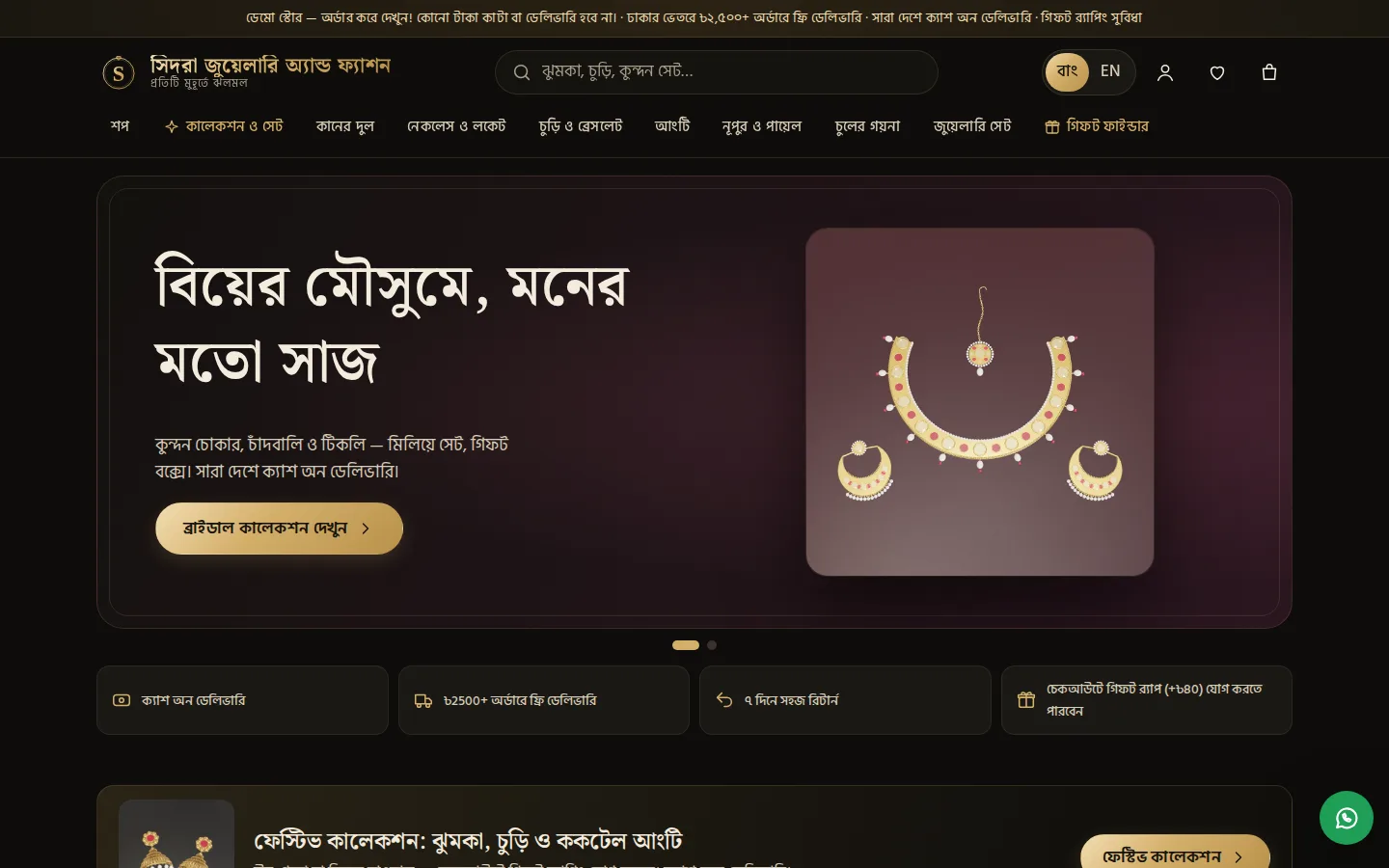
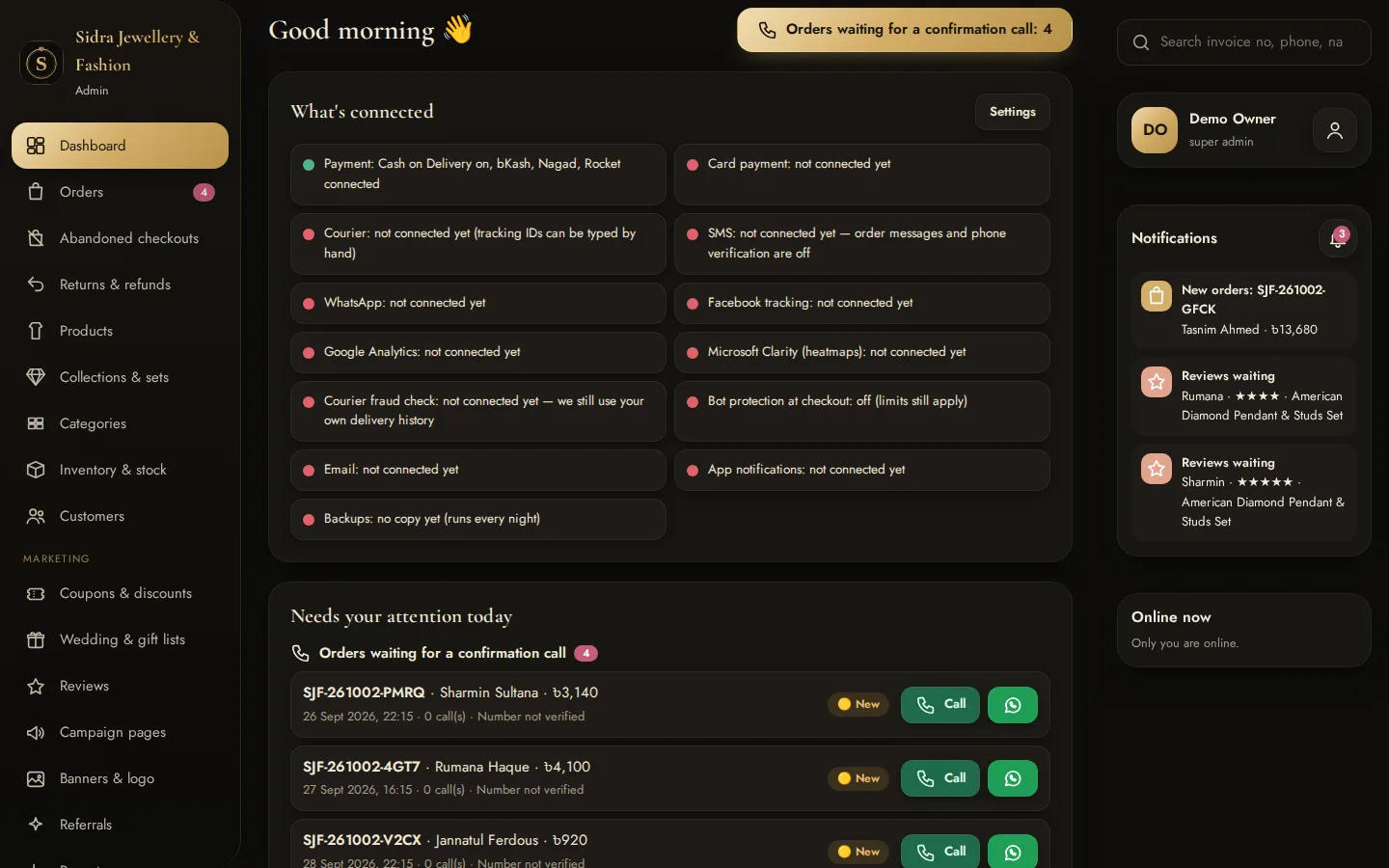
Sidra Jewellery & Fashion — Admin Dashboard Screenshot of the Sidra Jewellery & Fashion — Admin Dashboard demo
LiveAdmin dashboard

Sidra Jewellery & Fashion — Admin Dashboard

The back office that runs the jewellery shop

The admin dashboard behind the Sidra Jewellery & Fashion demo: "Needs your attention today" with orders waiting for a confirmation call, the order pipeline from pending to delivered with invoice PDFs, fake-order protection (🟢 Trusted / 🟡 New / 🔴 Verify), abandoned checkouts, products by material and plating with SKUs, collections and sets with a photo picker, gift-wrap orders flagged for packing, coupons, banners, reviews, delivery zones, staff roles, reports and the activity log — in Bangla and English. It is the real admin code running in the browser, sharing its data with the shop demo.

  • Opens straight into the dashboard — no sign-in needed
  • COD orders can't be confirmed until the customer's call is logged — try it on a pending order
  • Invoice PDF, call and WhatsApp buttons on every order
  • Search by order no, invoice no, phone or SKU; CSV export on every list
  • 42 fictional orders over nine weeks, so the charts and reports have something to show
Orders & invoicesProducts & SKUs (JWL-…)Collections & setsGift-wrap ordersStaff rolesReports
Admin dashboard sign-in demo / demo12345 Opens already signed in. After Sign out, sign back in with these (they are filled in for you). Staff can also sign in by phone: 01899999999 — the SMS code shows on screen. Everything is fictional demo data kept in your browser; add ?demo-reset to the address to start fresh.
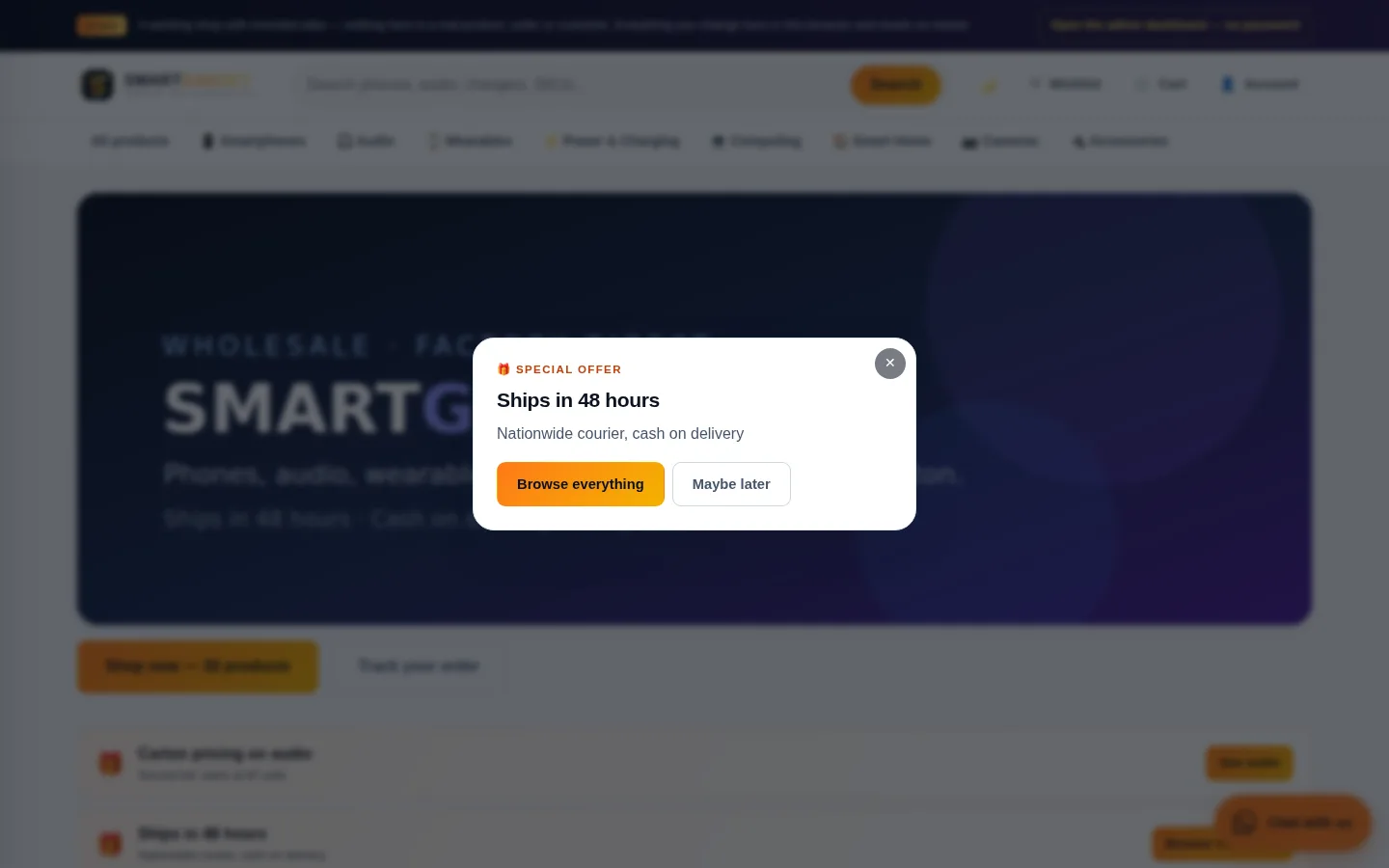
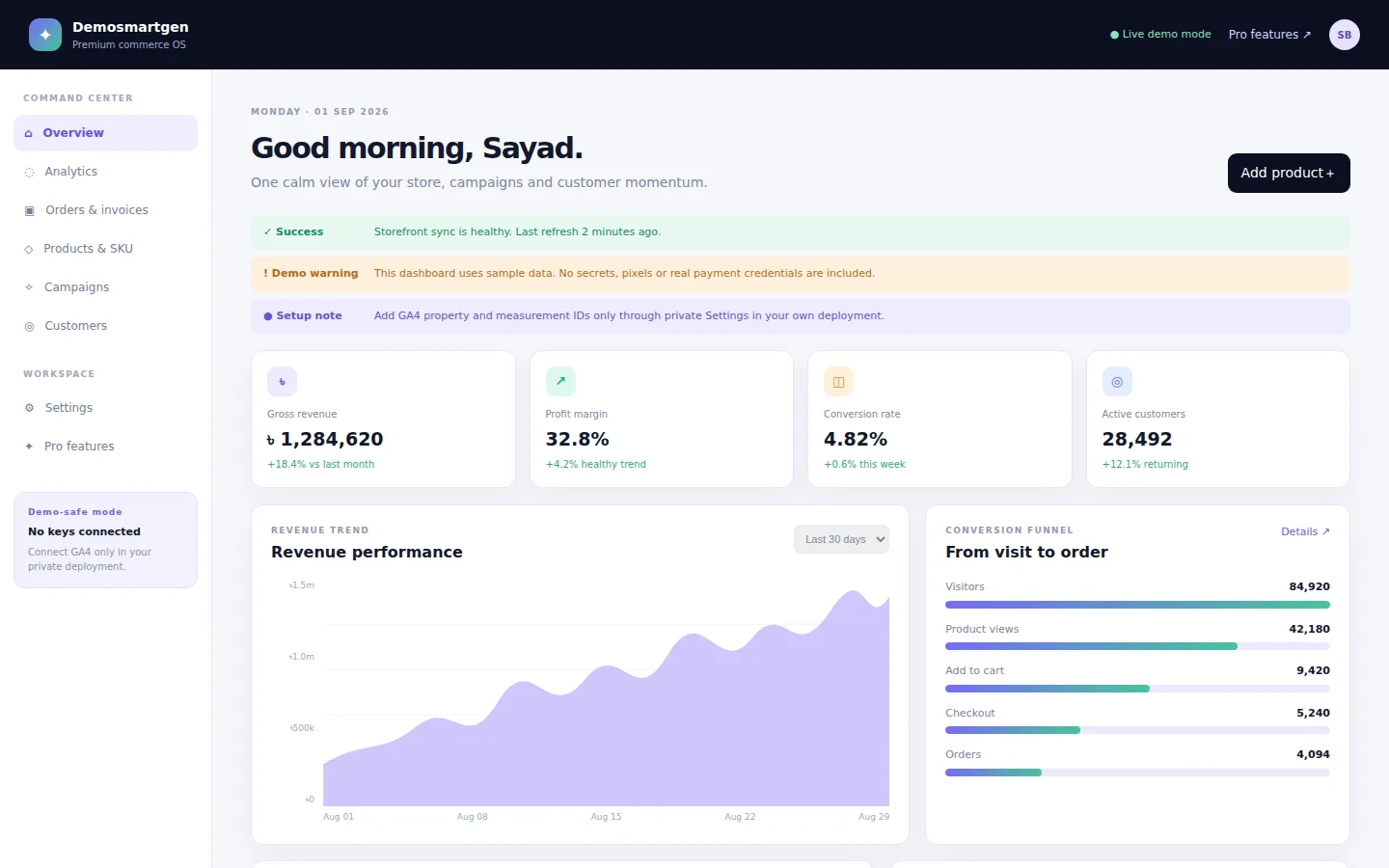
SmartGen Commerce OS Screenshot of the SmartGen Commerce OS demo
LiveCommerce platform

SmartGen Commerce OS

Catalogue, campaigns and analytics in one place

A commerce operations surface that puts the catalogue, customer list, campaign builder and analytics behind one navigation — the shape of tool a growing shop needs once spreadsheets stop scaling.

  • Catalogue and customer management
  • Campaign builder with performance analytics
  • Pro-tier feature gating built into the UI
CatalogueCampaignsAnalyticsCustomers
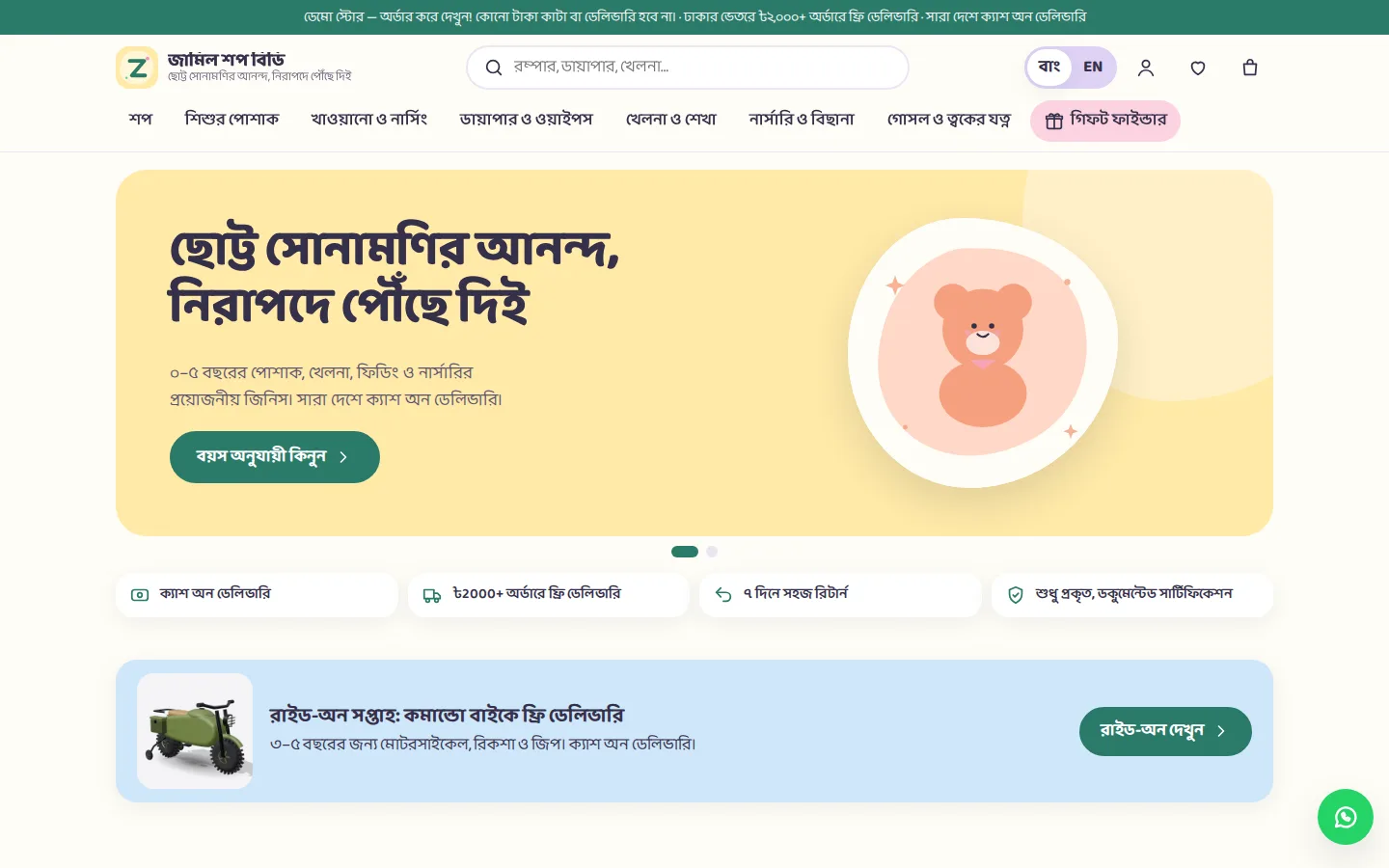
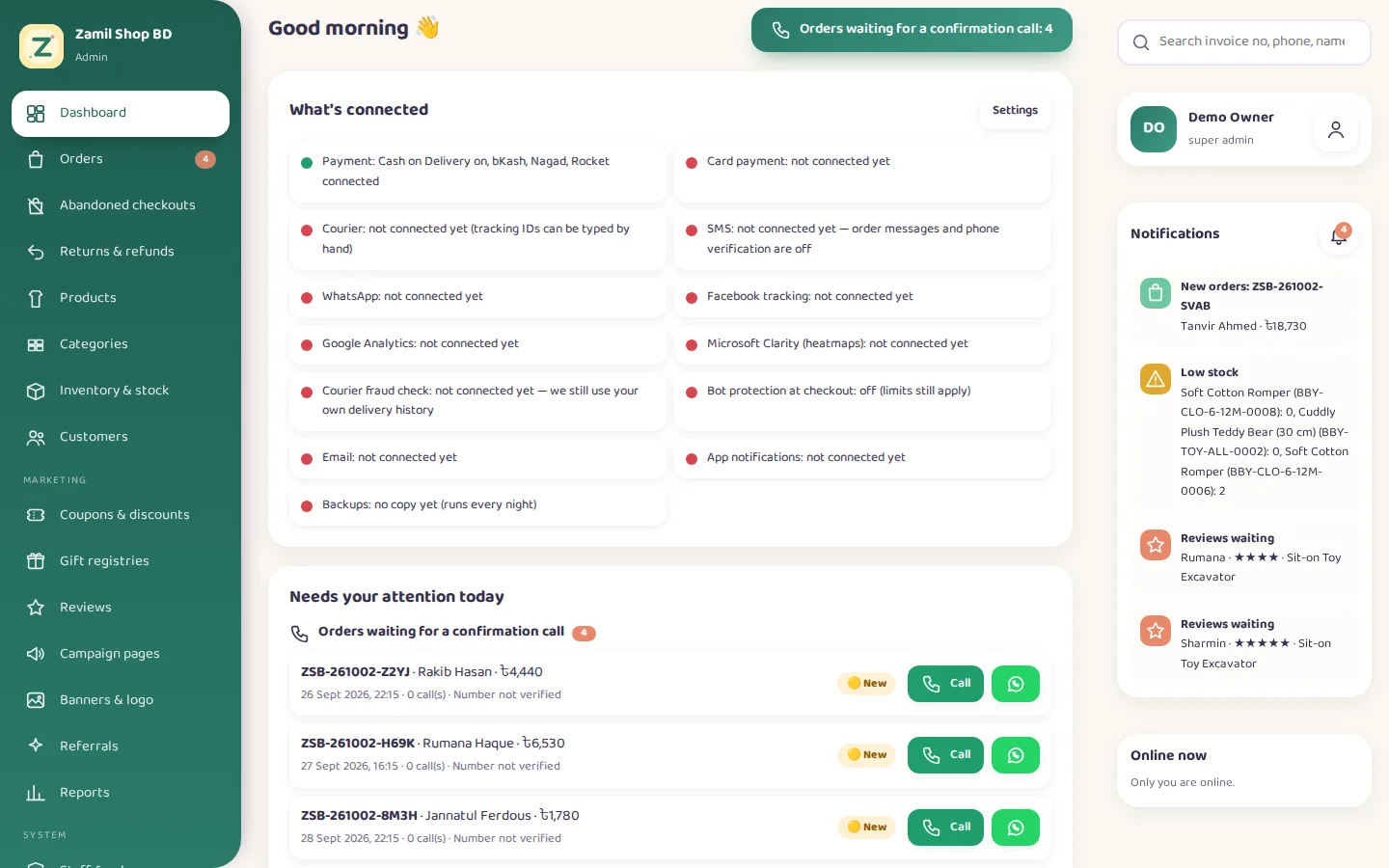
Zamil Shop BD — Admin Dashboard Screenshot of the Zamil Shop BD — Admin Dashboard demo
LiveAdmin dashboard

Zamil Shop BD — Admin Dashboard

The back office that runs the baby & kids shop

The admin dashboard behind the Zamil Shop BD demo: "Needs your attention today" with orders waiting for a confirmation call, the order pipeline from pending to delivered with invoice PDFs, fake-order protection (🟢 Trusted / 🟡 New / 🔴 Verify), abandoned checkouts, products by age with SKUs, safety certificates (only with a document), gift registry, coupons, banners, reviews, delivery zones, staff roles, reports and the activity log — in Bangla and English. It is the real admin code running in the browser, sharing its data with the shop demo.

  • Opens straight into the dashboard — no sign-in needed
  • COD orders can't be confirmed until the customer's call is logged — try it on a pending order
  • Invoice PDF, call and WhatsApp buttons on every order
  • Search by order no, invoice no, phone or SKU; CSV export on every list
  • 42 fictional orders over nine weeks, so the charts and reports have something to show
Orders & invoicesProducts & SKUs (BBY-…)Fake-order protectionAbandoned checkoutsStaff rolesReports
Admin dashboard sign-in demo / demo12345 Opens already signed in. After Sign out, sign back in with these (they are filled in for you). Staff can also sign in by phone: 01899999999 — the SMS code shows on screen. Everything is fictional demo data kept in your browser; add ?demo-reset to the address to start fresh.

How this hub stays current

Every folder in the repository that contains an index.html becomes a demo automatically. There is no list to maintain: add the folder, push, and the build discovers it, screenshots it, checks that it loads on desktop and mobile, and publishes it. A demo that fails its check never reaches this page.